
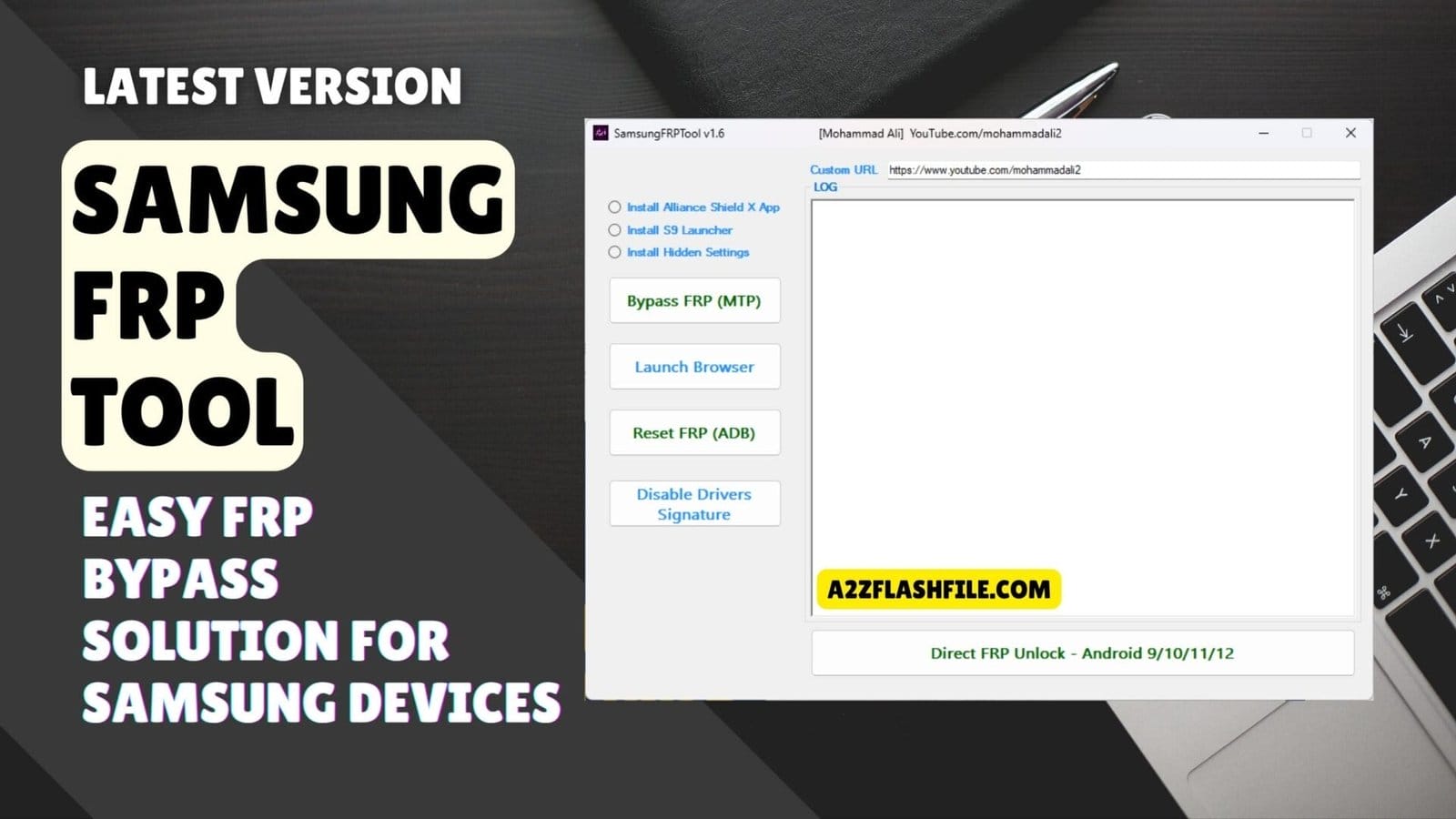
Samsungfrptool its easy frp bypass options for samsung devices including mtp and adb modes.
You Know That Feeling When A Samsung Phone Is Stuck On Frp And Every “new Method” On Youtube Looks More Confusing Than The Last? One Guide Says Install Alliance Shield X App Another Wants You To Install S9 Launcher Or Install Hidden Settings And You’re Left Trying Everything With No Clear Result. At Some Point You Just Want One Smart Samsungfrptool That Can Handle Bypass Frp (mtp Mode) Launch Browser Option And All The Other Tricks In A Simple Way.
In This Blog I’ll Walk You Through What Samsungfrptool Can Really Do And How To Use Its Key Functions Step By Step. You’ll Learn How To Bypass Frp (mtp Mode) Use Launch Browser Option And Custom Url Option Reset Frp (adb Mode) And Even Run Direct Frp Unlock (android 9 / 10 / 11 / 12 Support) After You Disable Drivers Signature. By The End You’ll Have A Clear Practical Roadmap Instead Of Jumping Between Random Methods And Hoping One Works.
What Is The SamsungFrpTool
Samsungfrptool Is A Windows-based Utility That Helps You Bypass Frp On Supported Samsung Devices Using Several Different Methods In One Place. It’s Designed For Technicians And Power Users Who Want Options Like Bypass Frp (mtp Mode) Reset Frp (adb Mode) And Direct Frp Unlock (android 9 / 10 / 11 / 12 Support) Without Juggling Multiple Programs. The Goal Is Simple: Give You A Clean Interface Where You Can Pick The Right Method For The Phone In Front Of You.
Beyond Basic Unlocks The Tool Often Includes Handy Functions Such As Launch Browser Option And Custom Url Option To Trigger Specific Pages Or Apps During The Bypass Process. In Many Flows You’ll See Steps Where You Install Alliance Shield X App Install S9 Launcher Or Install Hidden Settings To Reach Deeper System Menus. All Of This Is Wrapped Into A Workflow That Feels Practical Instead Of Experimental.
Also Read
Download The SamsungFrpTool Latest Versoin
To Get The Samsungfrptool Latest Versoin Safely You Should Always Download It From Trusted Gsm Forums Official Release Threads Or Well-known Repair Communities. Newer Builds Usually Improve The Stability Of Bypass Frp (mtp Mode) Make Reset Frp (adb Mode) More Reliable And Refine Direct Frp Unlock (Android 9 / 10 / 11 / 12 Support) For Newer Security Patches. Keeping The Tool Updated Means You’re Less Likely To Hit Dead Ends On Recently Updated Devices.
Once You’ve Downloaded The Archive Extract It On Your Windows Pc Install The Correct Samsung Usb Drivers And If Required Disable Drivers Signature So The Drivers Load Properly. After That You Can Launch Samsungfrptool And Start Using Options Like Launch Browser Option Custom Url Option And Your Preferred Bypass Method On Real Devices. With Everything Set Up Correctly The Tool Becomes A Dependable Part Of Your Frp Workflow Instead Of Just Another Experiment.
Features SamsungFRPTool v1.6
- Install Alliance Shield X App
- Install S9 Launcher
- Install Hidden Settings
- Bypass FRP (MTP Mode)
- Launch Browser Option
- Reset FRP (ADB Mode)
- Disable Drivers Signature
- Direct FRP Unlock (Android 9 / 10 / 11 / 12 Support)
- Custom URL Option
- Live Log Window
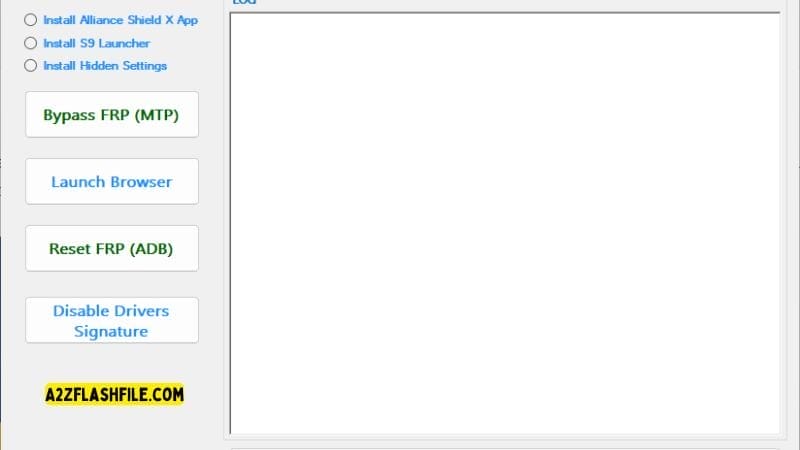
Samsungfrptool frp bypass (mtp) adb reset browser launch and direct unlock options.
How SamsungFrpTool Helps With Real Frp Bypass Scenarios
In Real Jobs You Might Start With Bypass Frp (mtp Mode) To Open A Browser Or Settings Page Directly From A Connected Phone. If That Doesn’t Work You Can Switch To Reset Frp (adb Mode) Once Adb Is Enabled Or Try A Direct Unlock Path On Supported Android Versions. Having Multiple Routes In One Tool Saves Time And Keeps You From Feeling Stuck On A Single Method.
Using Launch Browser Option And Custom Url Option
The Launch Browser Option Is Handy When You Need To Open Google Chrome Or Samsung Internet Straight From The Frp Screen. With The Custom Url Option You Can Jump To Specific Web Addresses Or App Links That Help Trigger Logins Settings Or Downloads. Together They Give You Far More Control Over Where The Locked Device Goes Next.
App-based Methods Alliance Shield X S9 Launcher Hidden Settings
Some Frp Flows Still Rely On Certain Apps To Reach Hidden Menus Or System Options. That’s Where Steps Like Install Alliance Shield X App Install S9 Launcher And Install Hidden Settings Come In. These Apps Can Give You Shortcuts Into The Phone’s Settings Pages That Would Normally Be Blocked By Frp.
Basic Requirements Before Running SamsungFrpTool
You’ll Need A Windows Pc Working Samsung Usb Drivers And A Stable Cable Connection Before You Start. On Some Systems You May Also Need To Disable Drivers Signature To Get Unsigned Or Older Drivers To Load Correctly. Taking A Few Minutes To Prepare Your Setup Prevents Most Connection And Detection Issues Later.
Safety And Legal Notes When Using Frp Tools
Frp Exists To Protect A User’s Data So Only Use Tools Like Samsungfrptool On Devices You’re Legally Allowed To Service. Always Confirm Ownership And Explain To The Client What You’re Doing And What Data Might Be Lost. This Keeps Your Work Ethical And Protects Your Shop From Unnecessary Trouble.
Frequently Asked Questions (FAQs)
What Is Samsungfrptool Used For?
Samsungfrptool Is Used To Bypass Frp Locks On Supported Samsung Devices Using Different Methods In One Tool. It Brings Options Like Bypass Frp (mtp Mode) Reset Frp (adb Mode) And Direct Frp Unlock (android 9 / 10 / 11 / 12 Support) Into A Single Interface.
Is Samsungfrptool Free To Download?
Most Versions Are Shared For Free On Gsm Forums And Repair Communities. You Should Always Download From Trusted Sources To Avoid Modified Or Unsafe Files.
Do I Need To Disable Drivers Signature?
On Some Windows Systems You May Need To Disable Drivers Signature So Samsung Usb Drivers Or Tool-related Drivers Install Correctly. If Drivers Fail To Install Or Devices Are Not Detected That’s A Common Fix.
Can Samsungfrptool Work With All Samsung Models?
No Frp Tool Can Guarantee Support For Every Model And Security Patch. However Samsungfrptool Is Updated To Support Many Devices Especially Those Running Android 9 10 11 And 12.
Does Using Samsungfrptool Erase Data On The Phone?
Some Methods Like Reset Frp (adb Mode) Or Deep Unlock Processes Can Lead To Data Loss. Always Inform The Device Owner First And Start With The Least Risky Options Whenever Possible.
Is It Legal To Bypass Frp With This Tool?
It’s Only Legal When You Use Samsungfrptool On Devices You Own Or Have Clear Permission To Service. Never Bypass Frp On Stolen Or Doubtful Devices As That Can Be Illegal In Many Regions.
Conclusion
Samsungfrptool Brings Many Scattered Frp Tricks Into One Focused Easy-to-use Package For Samsung Devices. With Options Like Bypass Frp (mtp Mode) Reset Frp (adb Mode) Direct Frp Unlock (android 9 / 10 / 11 / 12 Support) Launch Browser Option And Custom Url Option You Get A Clear Toolkit Instead Of Guessing Through Random Methods.
When Needed You Can Still Rely On App-based Flows Such As Install Alliance Shield X App Install S9 Launcher And Install Hidden Settings To Reach Deeper Settings And Complete The Bypass. Used Correctly This Tool Can Save You Hours Of Trial And Error On Locked Phones In Your Shop Or At Home.
Just Make Sure You Download Samsungfrptool From Trusted Sources Prepare Your Windows Setup Properly (Including Drivers And Disable Drivers Signature If Required) And Always Work On Devices You’re Legally Allowed To Unlock. Combine That With Careful Step-by-step Use Of Each Feature And Samsungfrptool Becomes A Reliable Partner For Handling Modern Samsung Frp Problems.
How To Download
To Download Samsung Frp Tool Follow These Steps:
- Go To The A2zflashfile.com Website Of Samsung Frp Tool.
- Find The Download Page And Don’t Click Button And Click Only The (Download Link)
- Below Buttons Are Advertisements. Please Use The Download Links Above.
- Wait For The Download To Complete.
- Locate The Downloaded File On Your Device Once The Download
SamsungFrpTool V1.6
Download Link:: Usersdrive – Mediafire – 4shared – My.pcloud – DropBox – Mega – Vexfile – Google Drive


