
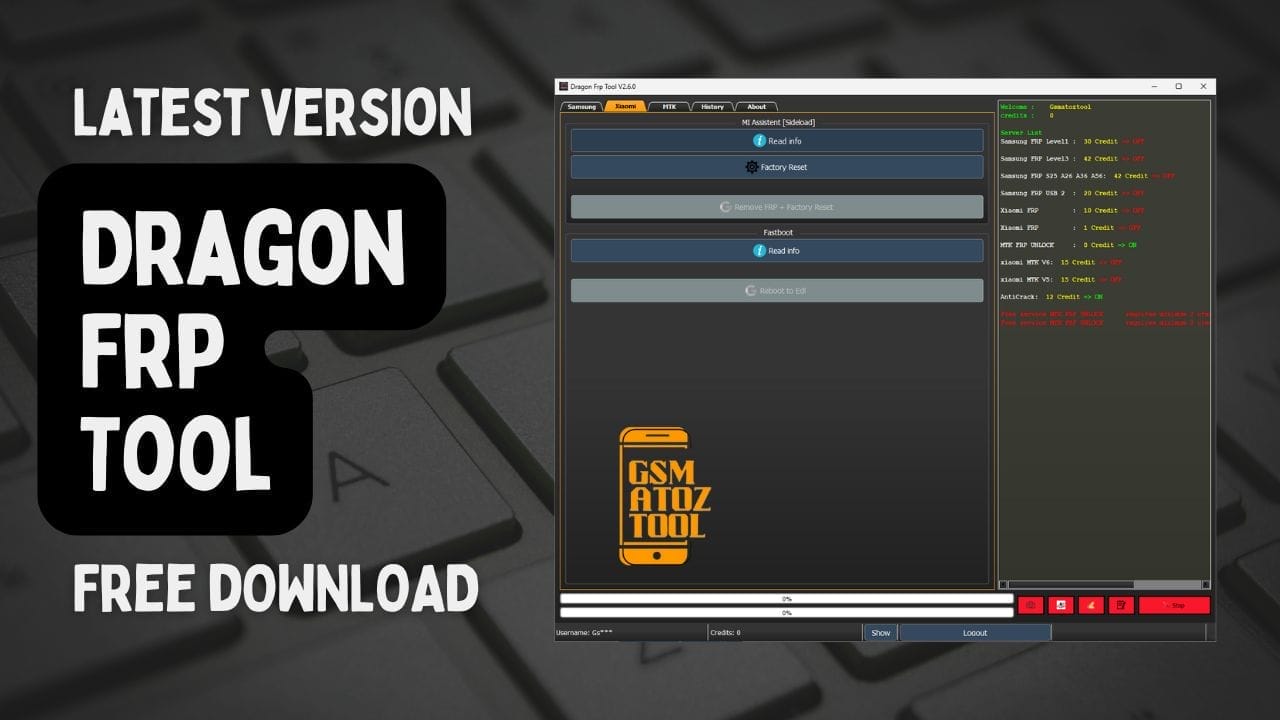
Dragon frp tool
Ever Been Stuck With A Samsung Or Xiaomi Phone Showing That Annoying Frp Lock Screen After A Reset? It’s Frustrating Especially When You Just Want Your Device Back But All You See Is A Roadblock Asking For An Account You Can’t Access. Many Users Hit This Problem After Repairs, Forgotten Logins, Or Buying A Second-hand Phone, And It Can Feel Like You’re Completely Locked Out Of Your Own Device.
That’s Where The Dragon Frp Tool Comes In. In This Guide I’ll Walk You Through How This Powerful Tool Helps Bypass Frp, Read Device Info Via Mtp Handle Level 3 Kg Locks, And Even Reset Phones Across Brands Like Samsung, Oppo, Vivo, Redmi, And More. Whether You Need To Remove Frp By Usb, Use Mi Assistant Sideload Mode, Or Reboot Into Fastboot, You’ll Find All The Steps And Tips Here To Get Your Phone Working Again—fast.
Dragon Frp Tool – Frp Bypass For Samsung, Xiaomi, Oppo, Vivo & More
Ever Had Your Samsung Or Xiaomi Device Suddenly Ask For A Google Account You Can’t Remember After A Reset? That Frp (factory Reset Protection) Screen Can Feel Like A Dead End, Especially If You’ve Just Repaired The Phone Or Bought It Second-hand. It’s Frustrating When All You Want Is To Get Back In, But Instead You’re Stuck Searching For A Fix.
That’s Where The Dragon Frp Tool Makes Life Easier. This All-in-one Utility Helps You Remove Frp, Read Device Info Via Mtp, Handle Level 3 Kg Locks, And Even Work With Multiple Brands Like Oppo, Vivo, Redmi, Tcl, And More. In This Guide, You’ll Learn What It Does, How To Use It, And Where To Get The Latest Official Version Safely.
Download Dragon Frp Tool Latest Version
Before You Start Bypassing Frp On Your Samsung, Xiaomi, Or Other Supported Devices, You Need The Latest Official Version Of The Dragon Frp Tool. Downloading From A Trusted Source Ensures You Get The Correct Files Without Malware Or Corrupted Setups. The Tool Is Lightweight, Works On Most Windows Pcs, And Supports Mtp, Fastboot, And Mtk Connections.
Always Double-check Compatibility With Your Model Before Installation. Whether You Need To Run “Gremove Frp By Usb Imei,” “ greemove Frp By Usb Server 2,” Or Work Via Mi Assistant [sideload] Mode, Having The Most Recent Update Will Give You Access To All Service Types, Including Normal Level 1 And Level 3 Kg Lock Removal.
Also Read
What Is The Dragon Frp Tool
The Dragon Frp Tool Is A Professional-grade Software Designed To Bypass Frp Locks And Perform Other Device Maintenance Tasks Across Popular Brands. It Supports A Wide Range Of Operations From Reading Device Info In Mtp Mode To Executing A Full Remove Frp + Factory Reset On Samsung, Oppo, Vivo, Redmi, Infinix, Moto, And Honor Phones.
Its Versatility Is What Sets It Apart. You Can Use It To Reboot To Edl Or Fastboot Work With Mtk Preloader Devices In Auto Mode And Even Handle Special Models Like The 525-a56-a36-a26 Series. For Technicians Having Features Like “ enter Imei Or Sn” And “gremove Frp By Imei Or Sn” Means Faster, More Precise Unlocking Without Unnecessary Steps.
Features Dragon Frp Tool:
Samsung

- Read info MTP & check support
- Service Type
- Normal Level 1
- Level 3 Kg Lock
- 525-a56-a36-a26
- Gremove Frp By Usb Imel
- Greemove Frp By Usb Server 2
- Enter Imel Or Sn
- Gremove Frp By Imer Or Sn
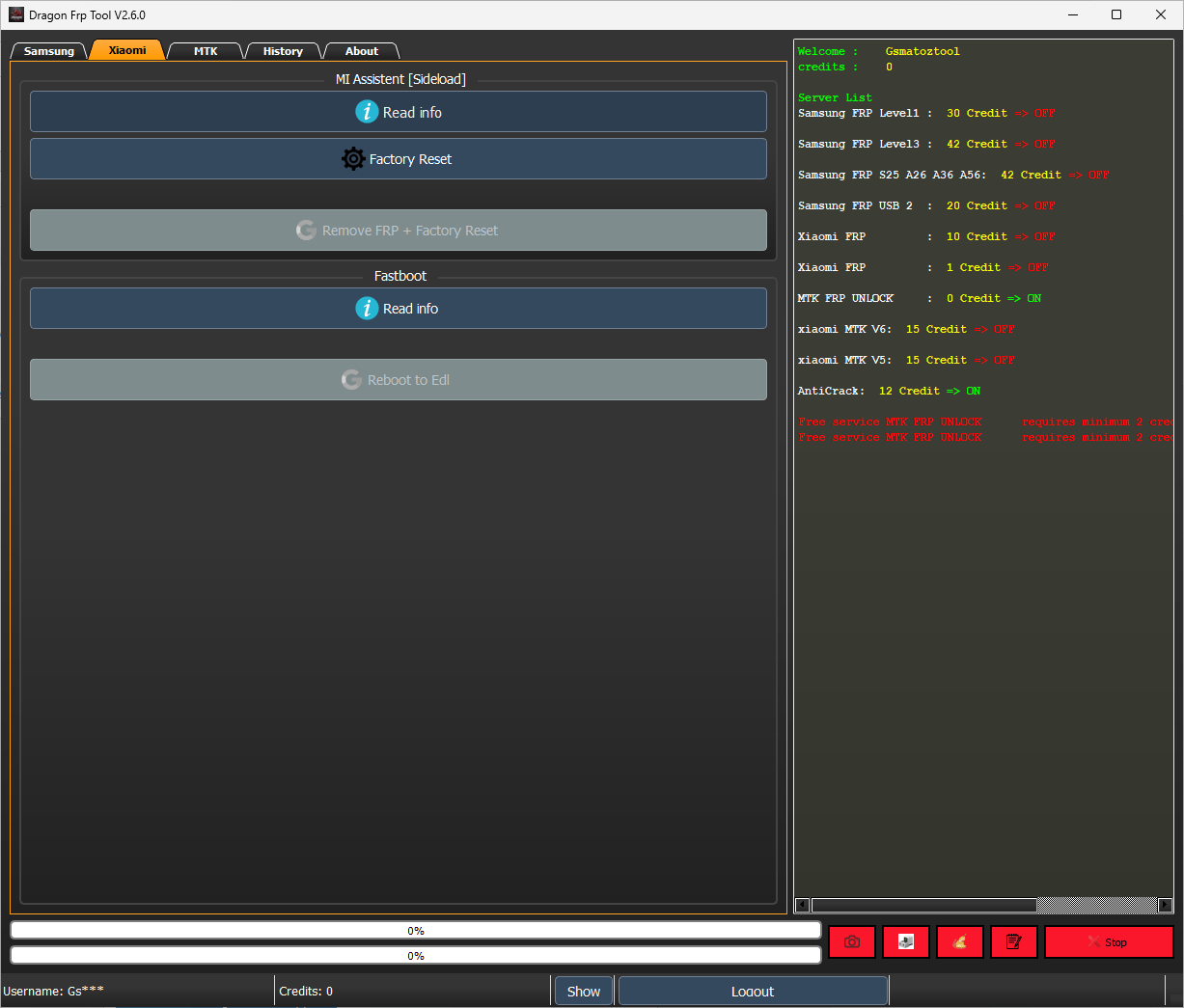
Xiaomi
Dragon frp tool
MI Assistent [Sideload]
- Read info
- Factory Reset
- Remove FRP + Factory Reset
Fastboot
- Read info
- Reboot to Edi
MTK
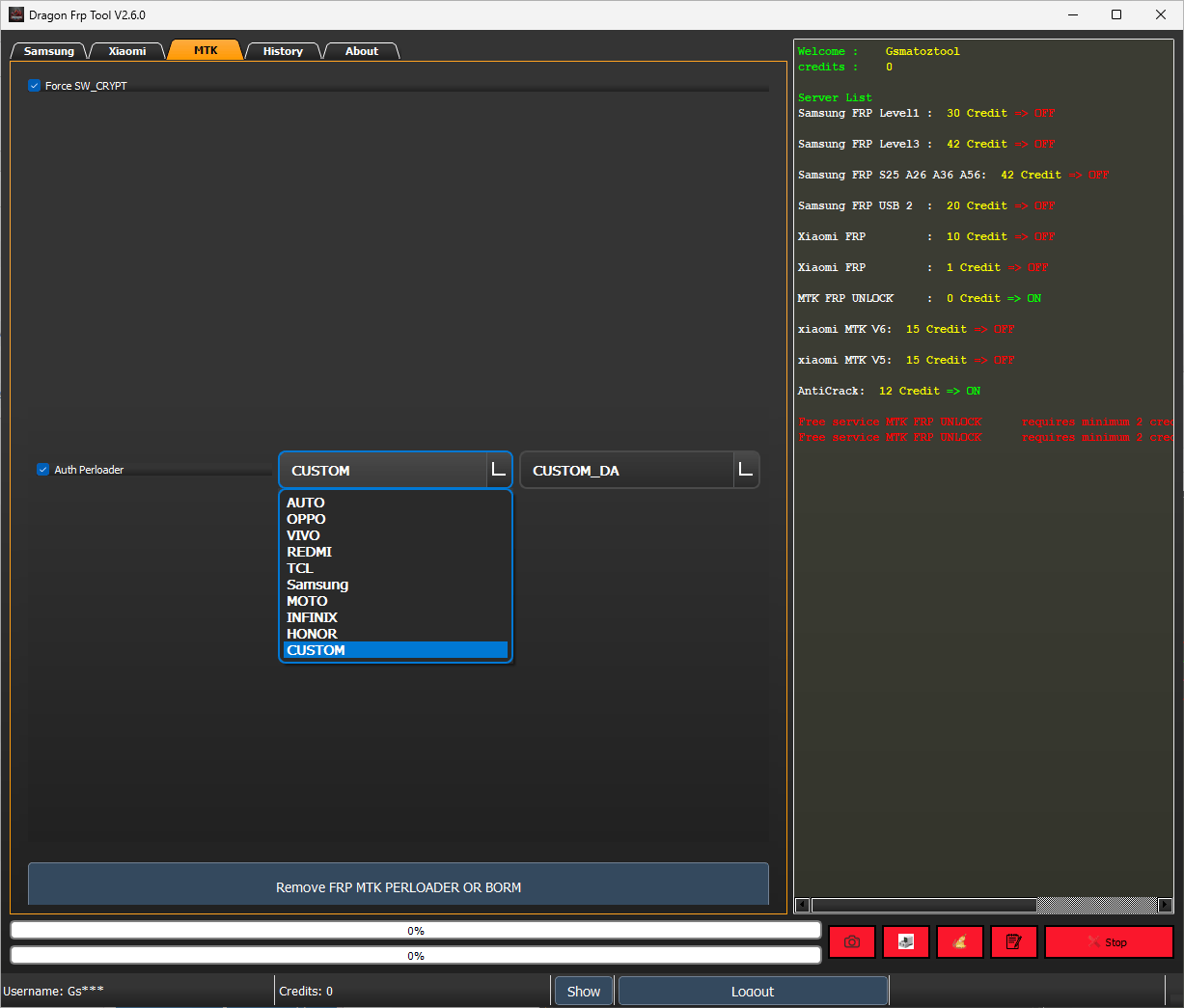
- Perloader
- AUTO
- OPPO
- VIVO
- REDMI
- TCL
- Samsung
- MOTO
- INFINIX
- HONOR
- CUSTOM
How to Install
- Download And Extract The Gsm Rk Tool To Your Computer.
- Now Extract The Tool Using Winrar Or 7zip,
- Run the Dragon Frp Tool.exe as Administrator.
- Go To The Desktop Of Your Pc And Open The Tool.
- Now The Tool Will Open Successfully.
How To Download
To Download Dragon Frp Tool Follow These Steps:
- Go To The A2zflashfile.com Website Of Dragon Frp Tool.
- Find The Download Page And Don’t Click Button And Click Only The (Download Here).
- Wait For The Download To Complete.
- Locate The Downloaded File On Your Device Once The Download
Dragon Frp Tool


