
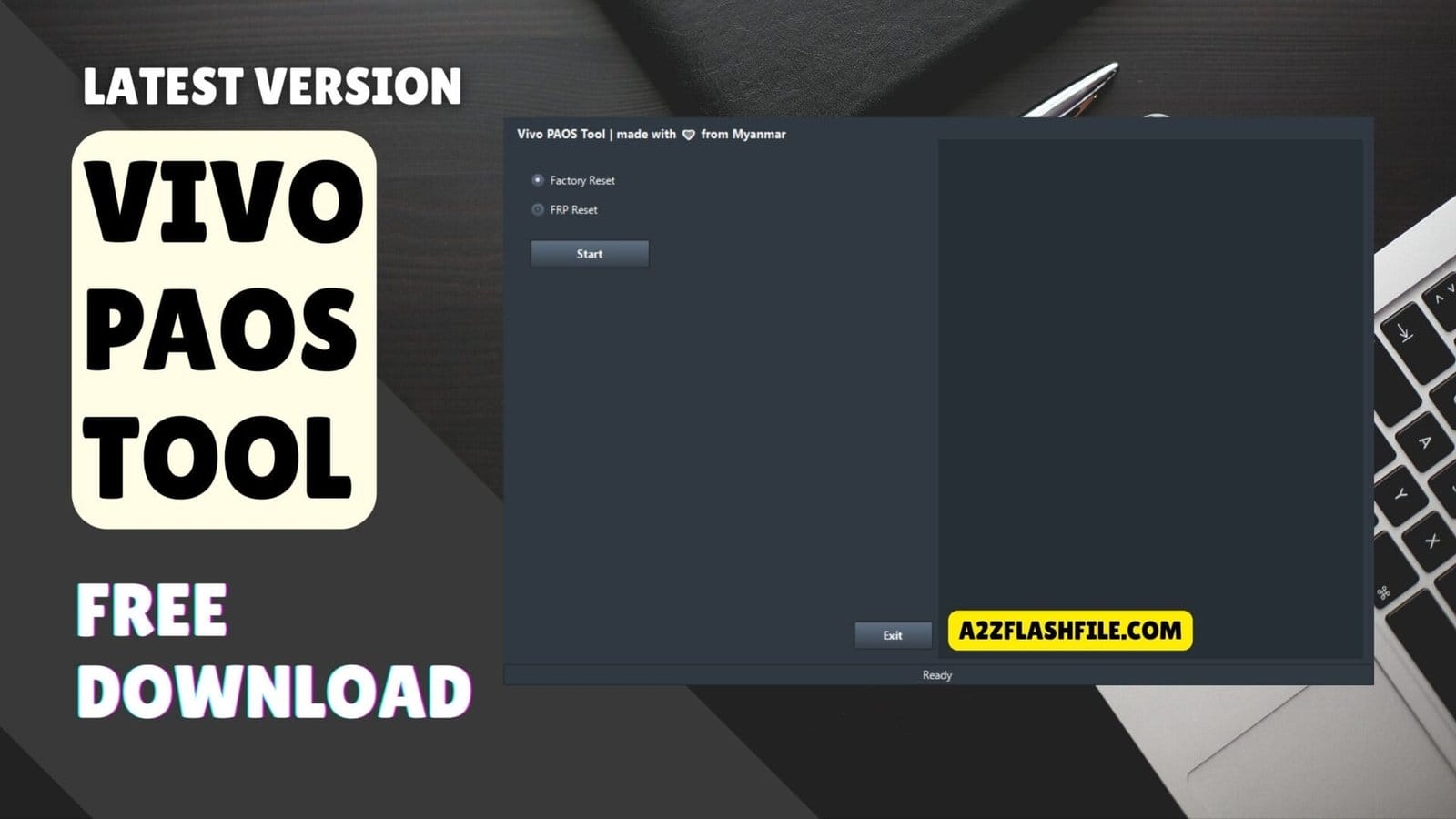
Vivo paos tool provides factory reset and frp reset options for vivo android devices.
Getting Stuck On The Google Verification Screen After A Simple Reset Is One Of The Most Annoying Things That Can Happen To Your Phone. You Just Wanted A Fresh Start But Now You Are Staring At A Locked Device That Won’t Let You In Because Of A Forgotten Password Or Email. It Feels Like Your Own Phone Is Treating You Like A Stranger And That Frustration Is Exactly Why You Are Looking For A Real Way Out.
In This Guide I’m Going To Show You How The Vivo Paos Tool Can Help You Get Past These Locks Without The Usual Technical Headache. We Will Look At How It Handles Both A Factory Reset And A Full Frp Reset So You Can Finally Get Back Into Your Device. By The Time You Finish Reading You’ll Have A Clear Path To Making Your Phone Usable Again.
What Is The Vivo Paos Tool
The Vivo Paos Tool Is A Small But Powerful Software Designed Specifically To Help You Fix Software Locks On Vivo Smartphones. It Is A Lifesaver When You Are Locked Out Of Your Device And Need A Quick Way To Get Back To The Home Screen. This Tool Specializes In Performing A Clean Factory Reset And A Complete Frp Reset With Just A Few Clicks. It Is Built To Be Very Simple So You Don’t Need To Be A Mobile Expert To Clear Your Old Data And Skip The Google Verification Screen.
Also Read
Vivo Paos Tool Latest Version Free Download
Finding The Right Link For The Vivo Paos Tool Latest Version Free Download Shouldn’t Be A Struggle. Getting The Most Updated Setup Ensures That You Have The Latest Drivers And Fixes For The Newest Phone Models. This Version Is Optimized To Handle Both A Factory Reset And An Frp Reset Much Faster Than Older Editions. Once You Have It On Your Pc You Can Quickly Clear Your Screen Locks And Get Your Device Back To Its Original Settings.
Features Vivo Paos Tool:
- Factory Reset
- Frp Reset
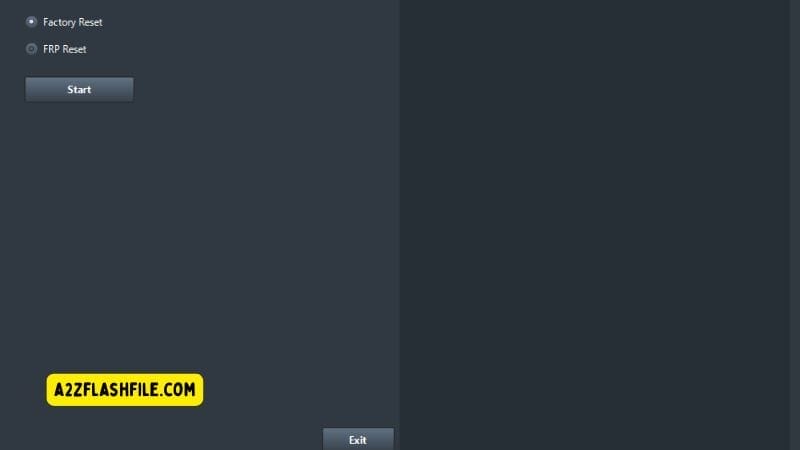
Vivo paos tool with one-click factory reset and frp reset feature for vivo devices.
How To Use
- You Will Need To First Download The Zip From The Below Link.
- Then, Unzip All The Files In The C Drive.
- Then, Install The Setup With The Basic Instructions.
- Run The Tool As Admin “Vivo Paos Tool.exe“
- If You Already Have Drivers Installed, Skip This Step.
- Enjoy ! !!
Frequently Asked Questions (FAQs)
What Is The Main Use Of The Vivo Paos Tool?
The Vivo Paos Tool Is Primarily Used To Perform A Quick Factory Reset And Skip Google Verification On Vivo Devices. It Helps You Regain Access When You Are Locked Out Of Your Own Phone.
Can The Vivo Paos Tool Bypass Frp On Any Vivo Phone?
Yes It Is Designed To Handle A Full Frp Reset On A Wide Range Of Vivo Models. It Helps You Get Past The “google Account Verification” Screen After A Hard Reset.
Is It Difficult To Perform A Factory Reset With This Tool?
Not At All As The Vivo Paos Tool Features A Simple Interface That Lets You Start A Factory Reset With Just One Click. You Don’t Need Any Special Technical Skills To Use It.
Where Can I Find The Vivo Paos Tool Latest Version Free Download?
You Can Find The Vivo Paos Tool Latest Version Free Download Right Here On Our Site. Always Make Sure To Use The Latest Version To Get The Best Results For Newer Phone Models.
Does Using The Vivo Paos Tool Delete My Personal Data?
Yes Performing A Factory Reset Or Frp Reset Will Wipe All Data From Your Device To Clear The Lock. It Is Always Best To Have A Backup If You Are Able To Access Your Settings First.
Conclusion
The Vivo Paos Tool Is One Of The Most Reliable Ways To Fix A Locked Phone Without Any Stress. It Simplifies The Entire Process So You Don’t Have To Spend Hours Searching For Complicated Fixes Or Expensive Repair Shops. Whether You Need A Quick Factory Reset Or A Full Frp Reset This Tool Gets The Job Done And Makes Your Device Usable Again. It Is A Solid Easy-to-use Solution That Belongs In Every User’s Digital Toolkit For Emergency Phone Recoveries.
How To Download
To Download Vivo Paos Tool Follow These Steps:
- Go To The A2zflashfile.com Website Of Vivo Paos Tool.
- Find The Download Page And Don’t Click Button And Click Only The (Download Link)
- Below Buttons Are Advertisements. Please Use The Download Links Above.
- Wait For The Download To Complete.
- Locate The Downloaded File On Your Device Once The Download
Vivo Paos Tool
Download Link:: Usersdrive – Mediafire – 4shared – My.pcloud – DropBox – Mega – Vexfile – Google Drive


